Your account
Delete your
Chakhle Raja account.
You can delete your account from inside the app at any time. No form to fill in, no email chain, no talking anyone out of it.
In the app
Four taps
Chakhle Raja for iOS and Android, latest version.
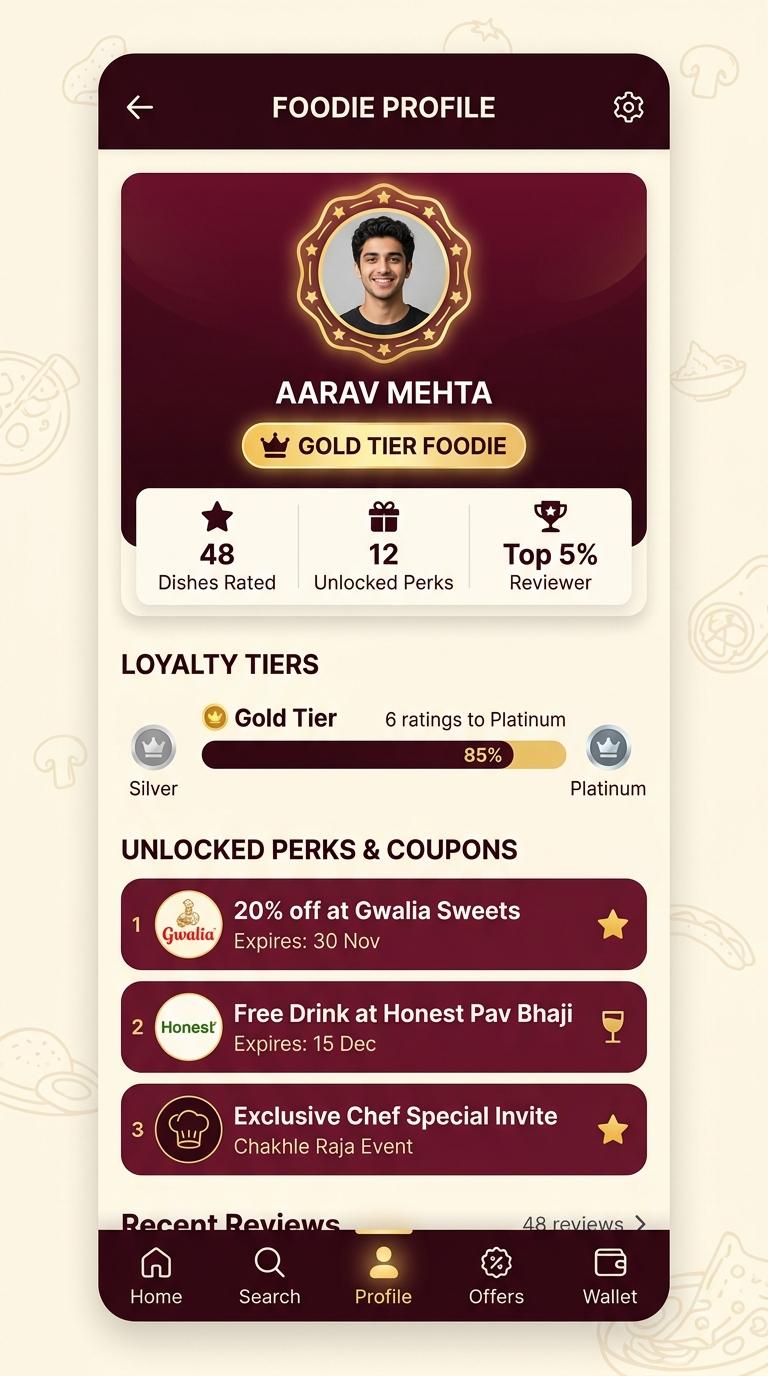
Step 1. Open your profile
The rightmost tab in the bottom bar.
Step 2. Open settings
The gear in the top corner of the profile screen.
Step 3. Choose Delete account
It sits at the bottom of the settings list, on its own.
Step 4. Confirm
You will be asked once more, and told what is about to be removed. Confirming starts the deletion immediately.
What is deleted
- Your profile: name, phone number, email address and profile photograph.
- Your reviews, ratings and any photographs attached to them.
- Your saved and favourited dishes.
- Your loyalty tier and rating count, and any offers claimed against them.
- Your session and refresh tokens, which are removed with the account, so every signed-in device is signed out.
What is kept, and why
- The aggregate score of a dish. Your individual rating is de-identified and stops being linked to you, but the dish's average and its per-star breakdown are the product itself and are not recalculated as if the meal never happened.
- Records we are legally required to keep, for as long as the law requires them.
- Moderation records where an account was closed for abuse, so the same behaviour can be recognised again.
- Encrypted backups, until they roll off on their own cycle.
How long it takes
Deletion begins the moment you confirm and you are signed out immediately. Removal from live systems completes within 30 days. Encrypted backups are purged within a further 90 days, after which nothing remains.
- Live systems
- 30 days
- Encrypted backups
- 90 days
There is no cooling-off period and no way to undo it. An account cannot be restored once deletion has begun.
Uninstalled the app already?
Reinstall it and sign in with the same phone number or Google account, then follow the steps above. Signing in does not restart or restore anything you had already deleted. If you cannot sign in at all, use the contact form and we will verify you another way.
Something in the way?
If the app will not let you sign in, or the delete option is not where this page says it is, tell us and we will handle it ourselves.
Contact usChakhle Raja
Stop ordering on faith.
Free on iOS and Android. Across Gujarat now, more states as the ratings arrive.